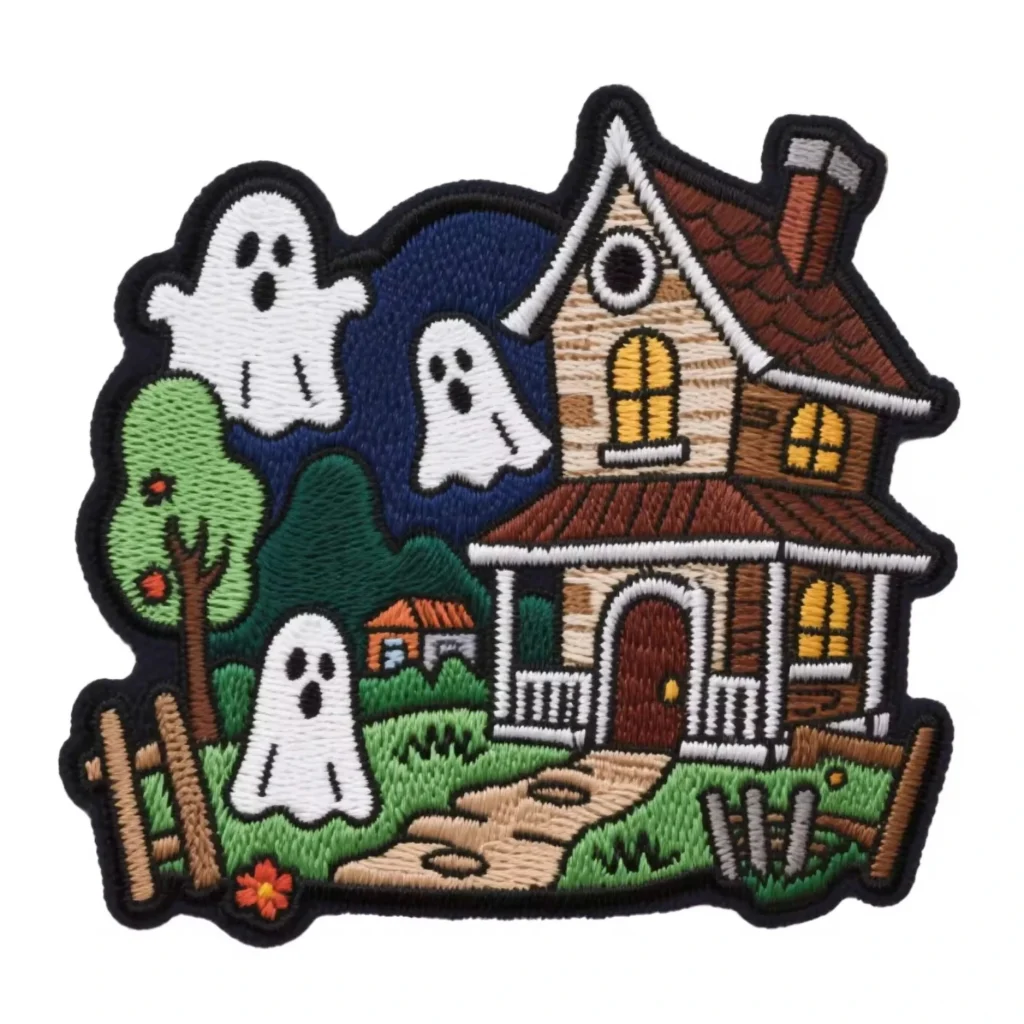
Embroidery patch design starts with the right software.
Choose between free open‑source tools or professional platforms.
Embroidery patch design software must handle stitch types, borders, and color changes.About
Software options for beginners
InkStitch (free plugin for Inkscape) is the best entry point.
This InkStitch tutorial approach teaches text bending, satin borders, and fill patterns.
No expensive licenses needed – open source works.
For advanced users, Embrilliance Essentials with Merrowly automates edges and libraries.
Choyo accepts designs from both free and commercial software.
The design workflow – step by step
Create text first, then calculate border around it.
Block Mini fonts maintain legibility under 5mm height.
Letters smaller than 5mm with 40‑weight thread close loops (e, a).
Use 60‑weight thread and 65/9 needle for micro‑text.
Choyo’s patch digitizing guide includes these thread/needle rules.
Border creation
Satin columns prevent unraveling and add structure.
Outside diameter must be slightly larger than the patch.
Example: 62mm patch → 62.1mm satin diameter.
If bobbin thread shows, increase radius by 0.1mm.
File format requirements
Machine‑ready formats: PES, DST, EXP.
For factory communication: vector files (AI or EPS) with clean outlines.
Raster images (JPG, PNG) cause poor translation – digitizers trace pixelated edges.
Choyo uses AI‑upscaling to convert low‑res art into production‑ready vectors.
No manual cleanup fees – modern workflow.
Common design mistakes to avoid
- Border too thin → unraveling edges.
- Text touching border → stitching density problems.
- Guessing thread colors instead of Pantone specifications.
- Design exceeding hoop size → machine errors.
Always check if design grid matches machine hoop dimensions.
Why a patch digitizing guide matters
Proper digitizing prevents needle breaks, thread jams, and logo distortion.
Choyo’s in‑house digitizing team understands thread physics.
We challenge designs with line weights too thin or impossible stitches.
Prototyping before production
Many manufacturers offer free digital mockups within 24 hours.
This step identifies issues with line weights, color contrasts, and borders.
Choyo provides physical samples before bulk – not just digital previews.
Advanced techniques
Layering multiple stitch types (satin + fill).
Laser‑cut edges for precision finishing.
3D puff and glow‑in‑the‑dark thread require machine adjustments.
Specify these effects during design, not later.
Final testing
Test new designs on sample fabric before full production.
Verify thread tension, color order, and stitch density physically.
Digital previews alone are not enough.
How Choyo helps beginners succeed
Choyo accepts AI, EPS, PES, DST, and EXP formats.
Our embroidery patch design software compatibility covers all major tools.
We provide a free patch digitizing guide with every order inquiry.
No hidden setup fees, no vague pricing, no undocumented QC.
Choose Choyo – where your first embroidery patch design becomes a professional product.